DNS propagation check
The summary covers only resolvers returned by this query. It is not a propagation percentage for the entire internet.
- Expected record set
- Result breakdown
Compare DNS records and check your domain, SSL certificate and connection in one place.
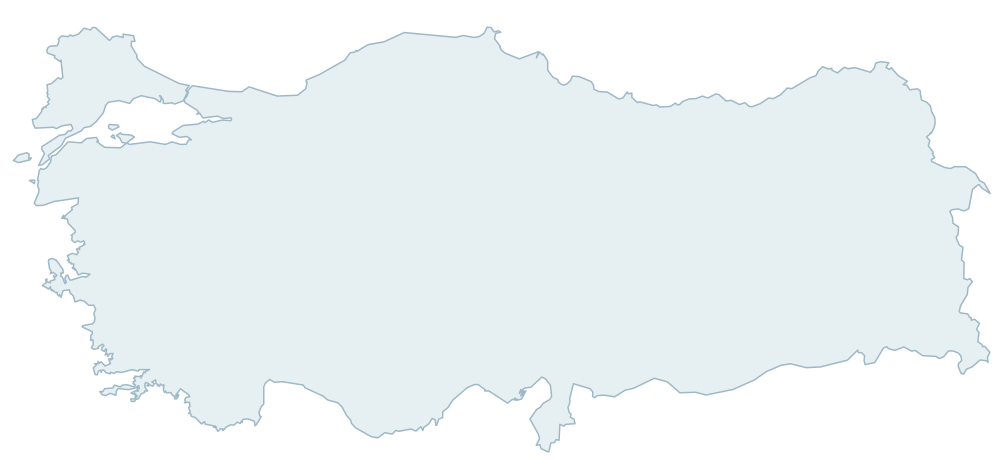
Explore results from your selected Turkish resolvers by city.
The map shows approximate city locations from the inventory. Queries originate from the application server; these are not independent measurements from those cities.
Select Turkish resolvers to see results on the map.
Approximate location · historical inventory
Enter the information above and start the query.
Data will appear here when it is ready.
Complete the verification above if needed. Your previous results are preserved.
New results are added to the list as they arrive.
The summary covers only resolvers returned by this query. It is not a propagation percentage for the entire internet.
| Type | Value | TTL (at measurement) | Name |
|---|---|---|---|
No results were found for this record type. Try another type.
Continue with the right tool for your needs.
Check DNS, HTTP/HTTPS, SSL and redirects together to find the next resolution step.
Check the certificate’s trust chain, domain name and expiry.
Explore domain registration information and important dates.
What is my IP address? View your connection’s IPv4 or IPv6 address, or look up an IP address’s network, operator and approximate location.
Check the address format and the domain’s mail servers.
Bring your selected checks together in one report.
After changing a DNS record, enter the domain, record type and new expected value. For example, if you changed your A record to 8.8.8.8, enter 8.8.8.8 in the expected records field and select the resolvers you want to check.
For multiple A, AAAA, NS or MX records, enter each record on a separate line. Order does not matter. Use 10 mail.example.com for MX. TXT chunks within a single record are joined; case and whitespace remain significant.
Matches: the record set is exactly as expected. Different: extra, missing or different values; this alone does not prove the record is old. Not found: the domain or requested record type has no records. Query unavailable: a timeout or provider error; this does not mean the record is missing.
TTL specifies how long the resolver may cache a record, in seconds. The displayed TTL is from the time of measurement. It is not a countdown or a completion time for the entire internet. The application caches responses for up to 60 seconds, bounded by the record TTL. Cached results keep the original measurement time.